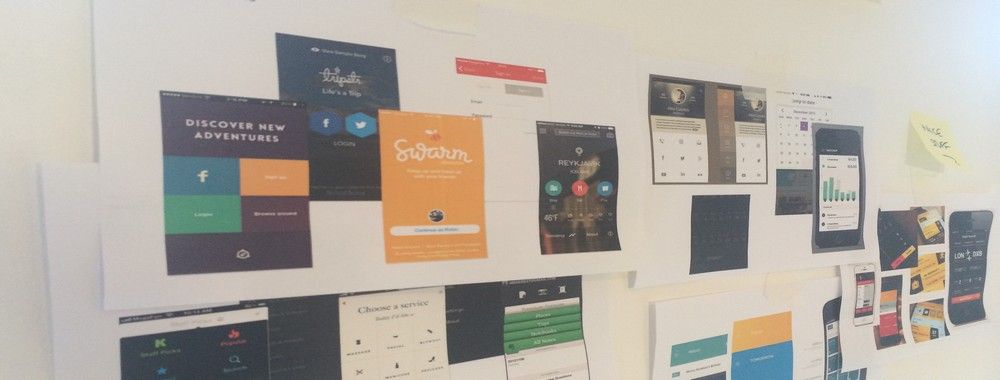
Wireframes help you quickly ideate and test your ideas. While paper wireframes are the fastest to create, digital wireframes look more polished and presentable. If you are looking for a pocket-friendly wireframing tool, look no further.
Whether you prefer browser-based apps or offline desktop tools, are working on a small or large project, or need to collaborate and share your work with others, there are plenty of free wireframing tools available. We’ve compiled a list to help you choose the right one, along with advantages and use cases for each one.
For the most part, you'll be able to work comfortably using the free versions. However, as your project grows, you may need to upgrade to unlock additional features or create more documents. If you are unsure which tool to choose, try a few of them to see what works best for you, your team, and your UX project.
Figma
All-in-one design tool
© Figma, Fair Use
Product Type: Browser-based app
Free Tier Limitations: One team with one project; 3 Figma Design files
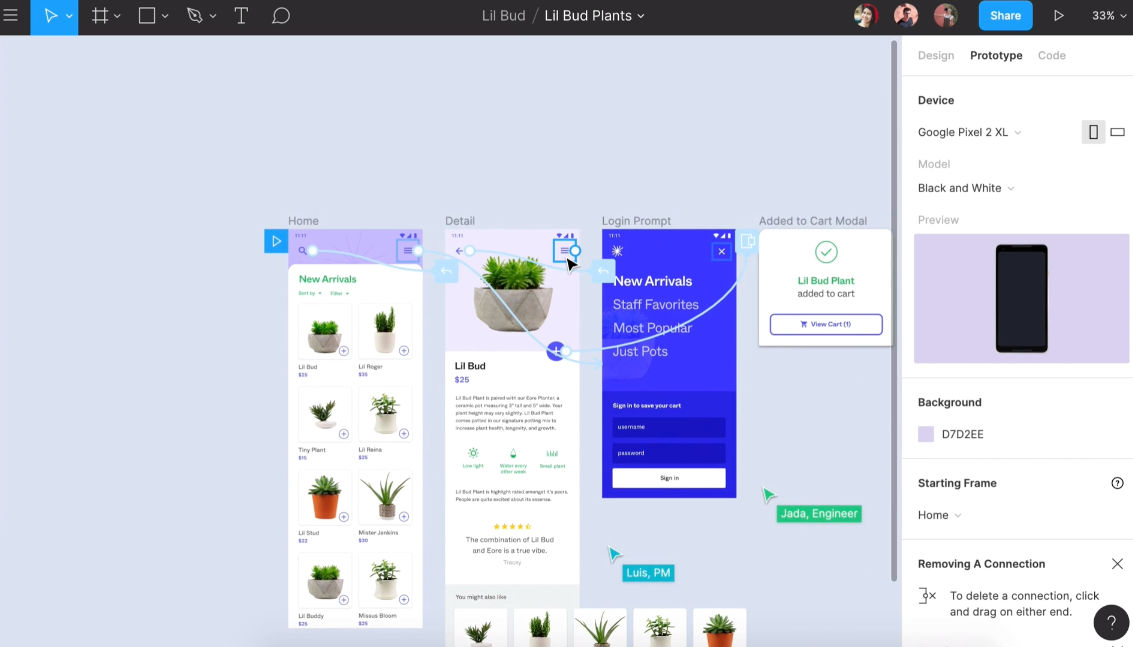
Figma ranks among the most popular design tools in the market. The all-in-one platform allows you to create everything from clickable wireframes to high-fidelity prototypes and supports 30-day version history and unlimited cloud storage, all in the free plan. Figma offers both browser-based and desktop applications. You can also mirror and preview your designs on mobile devices in real time.
The Starter (free) plan provides one team with one project that includes 3 Figma Design files, plus unlimited personal drafts for private work. The plan places no restrictions on the number of editors or collaborators who can view, comment, or edit within these file limits.
Paid plans unlock unlimited files and projects, team libraries, and advanced prototyping features. Higher-tier plans offer organization-level design systems, centralized admin controls, and plugin management for larger teams.
Penpot
All-in-one design tool
© Penpot, Fair Use
Product Type: Browser-based app
Free Tier Limitations: None for core features
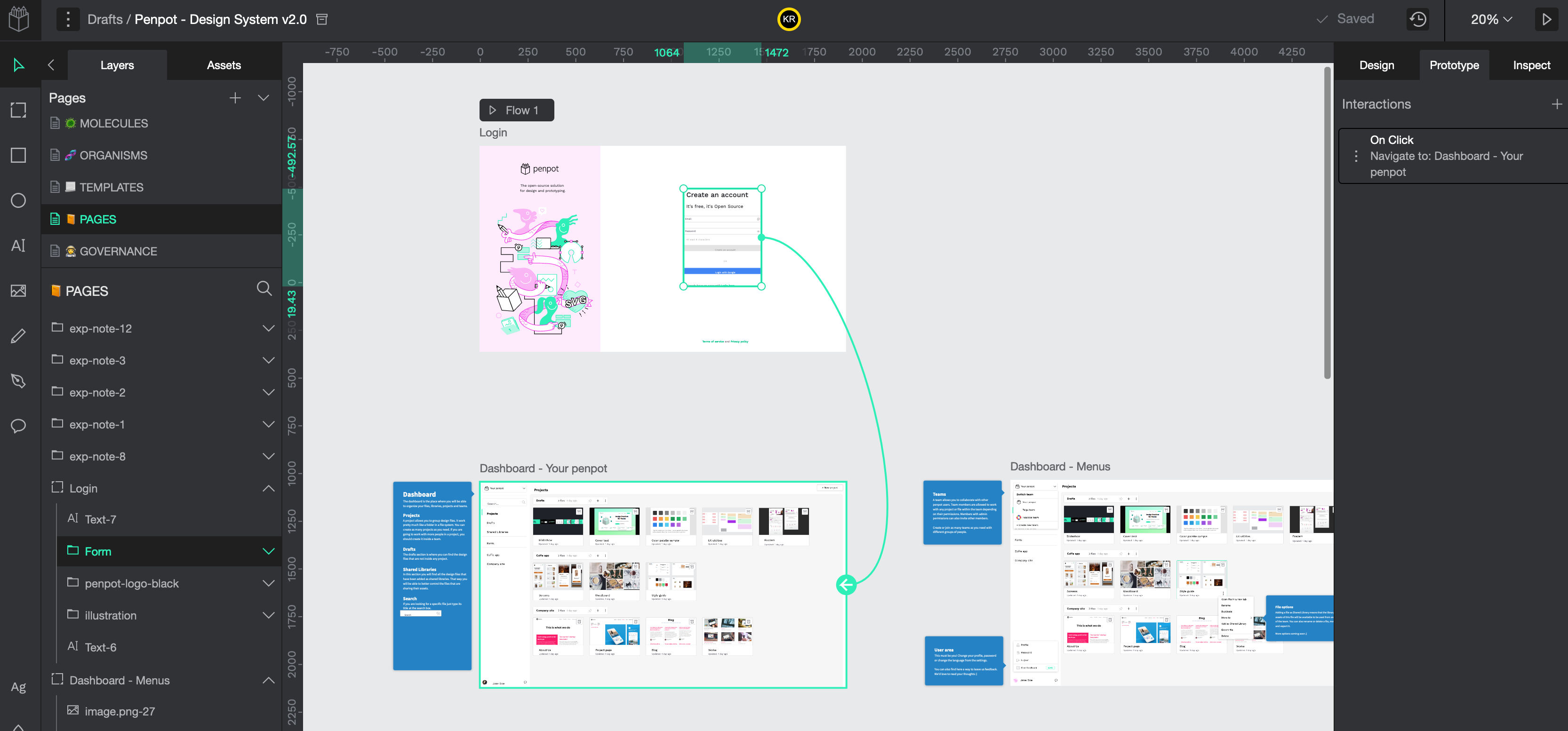
Penpot is an open-source project that involves the entire product team in the design process. It includes all the tools designers need to create pixel-perfect UIs and interactive, shareable prototypes. The platform supports flexible layouts with CSS Grid and Flexbox, design systems, components, variants, custom fonts, and animated transitions. Real-time multiplayer editing and code inspection features bridge design-to-code workflows for seamless collaboration between designers and developers.
You can host the application on your own server to maintain complete control over the software and your data. The cloud-hosted version offers a free plan with full features that supports small teams and unlimited viewers.
Penpot commits to keeping its core platform and self-hosted option free forever for individuals and small teams. The project sustains itself through paid cloud-hosted plans for larger organizations that need additional storage, extended version history, advanced security features, and premium support. Organizations can also purchase add-ons for specialized capabilities and compliance requirements.
Miro
Collaborative whiteboard
© Miro, Fair Use
Product Type: Browser-based app
Free Tier Limitations: 3 editable boards
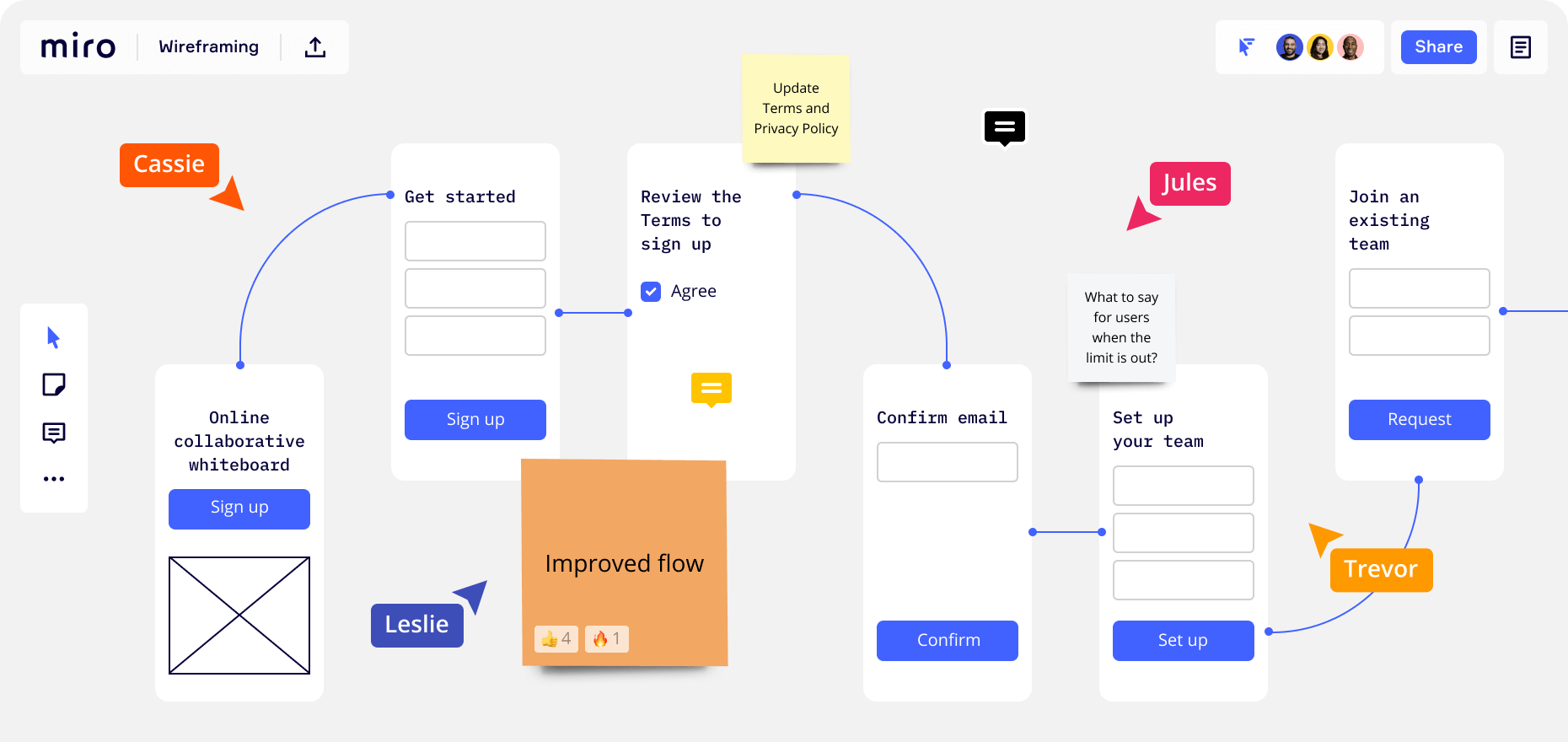
Miro is an AI-enabled virtual whiteboard where teams collaborate and design in real time. The platform features realistic sticky notes, a built-in wireframe library, and a mind-mapping tool. It's essentially a supercharged whiteboard for design, brainstorming, and wireframing. It offers extensive built-in templates and integrations with popular tools like Slack, Google Drive, Adobe Creative Cloud, Trello, and Zapier, among many others.
The free version supports unlimited team members but limits users to 3 editable boards at a time. You can create additional boards, but they become view-only until you archive or delete an active board.
Paid plans unlock unlimited editable boards, private boards, advanced meeting tools, and additional frameworks like Kanban for project management.
Wireframe.CC
Wireframing tool
© Wireframe.cc, Fair Use
Product Type: Browser-based app
Free Tier Limitations: Single-page wireframes only, no export or interaction features
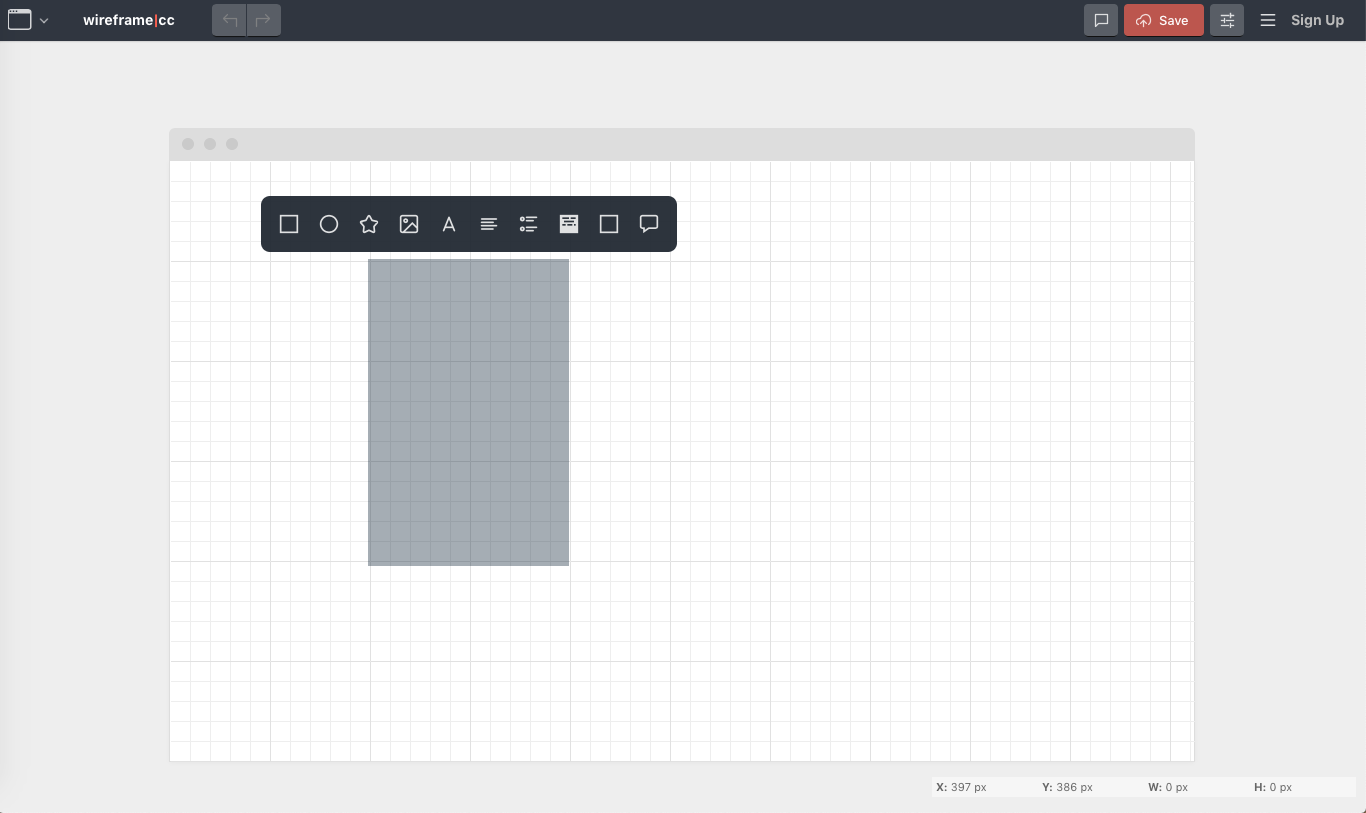
Wireframe.cc appeals to designers who favor ultra-minimal and sleek interfaces. You can use the free version without any user account to create single-page wireframes with shareable URLs. The tool focuses on rapid, low-fidelity wireframing for quick concept sketches.
Premium accounts unlock clickable wireframes, multi-page projects, private wireframes with a dashboard, master pages, and export capabilities to PNG and PDF formats. Premium plans accommodate various team sizes, with higher tiers supporting unlimited users and projects. New users can access a trial period to explore premium features before committing to a paid plan.
Unlike other design tools, Wireframe.cc's interface lacks immediately visible toolbars. Instead, it provides context-sensitive tools that appear only when you click on an element or drag the mouse, which creates a distraction-free environment for focused wireframing work.
Cacoo
Diagramming tool
© Cacoo, Fair Use.
Product Type: Browser-based app
Free Tier Limitations: 6 sheets, PNG export only
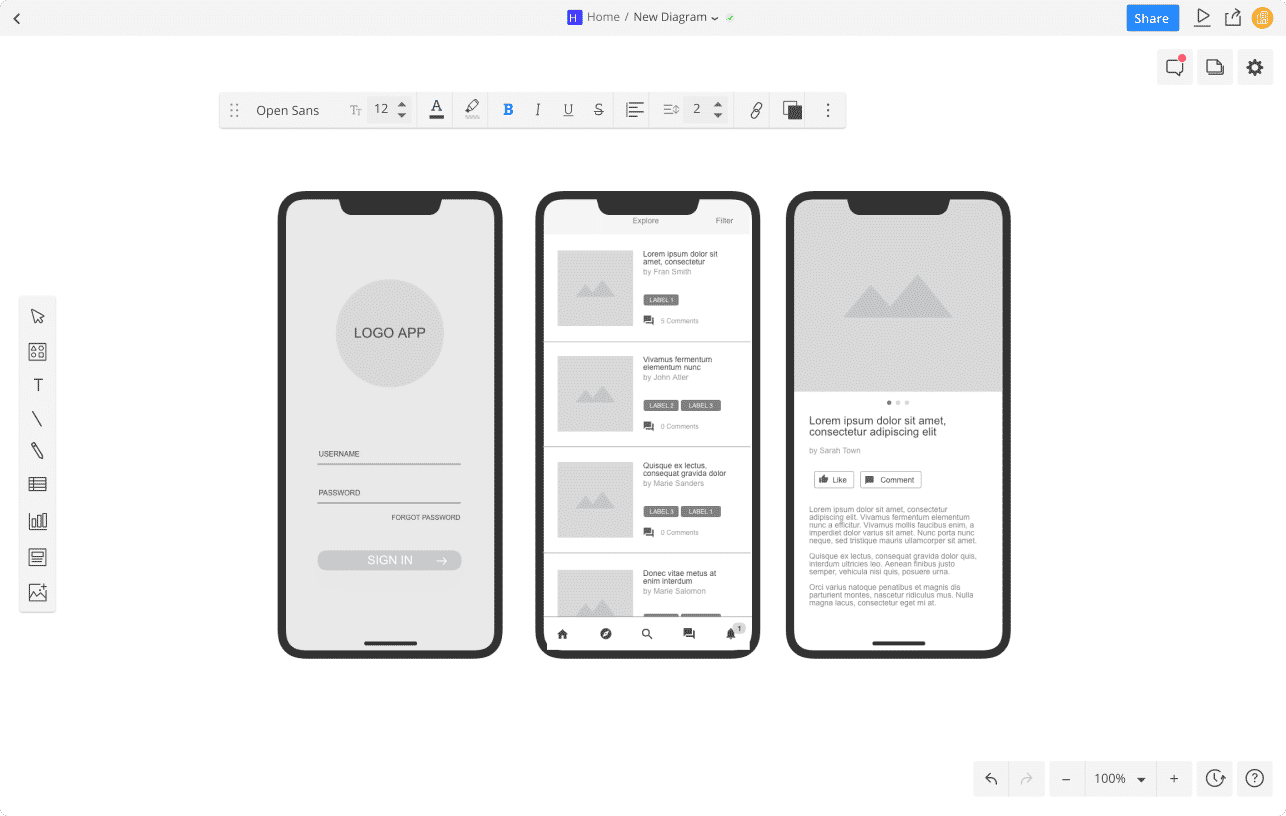
Cacoo is a diagramming application that allows you to present your ideas visually. The platform stands out as one of the few products that support unlimited users in its free plan, which makes it valuable for team collaboration. Cacoo offers an extensive template library that includes wireframes for websites and apps, flowcharts, mind maps, and more. The tool integrates with several applications like Google Docs, Adobe Creative Cloud, AWS, Slack, Dropbox, Microsoft Teams, and Atlassian Confluence, among others.
The free plan limits users to 6 sheets and restricts exports to PNG format only. Paid plans unlock unlimited sheets, multiple export options including SVG, PDF, PowerPoint, and PostScript formats, revision history, and premium templates for more advanced diagramming needs.
Jumpchart
Website planning and project management tool
© Jumpchart, Fair Use
Product Type: Browser-based app
Free tier limitations: 1 project, 10 pages, 2 users, 10MB storage
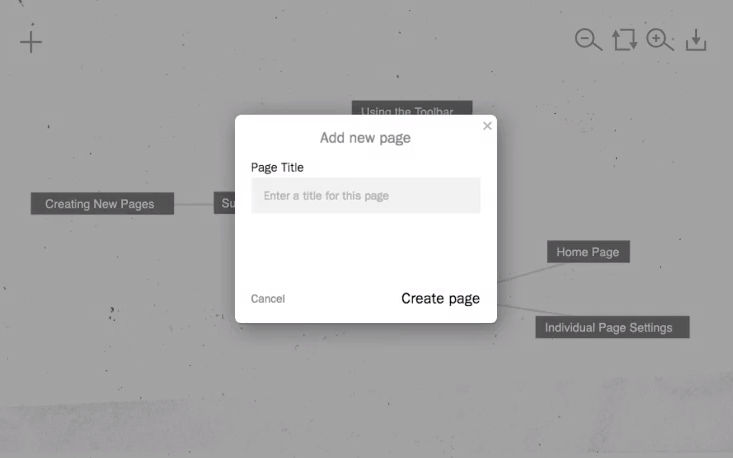
Jumpchart helps you plan websites through sitemap creation, content management, and project collaboration. The platform focuses on information architecture and content organization before visual design begins. You can export your project to WordPress, Drupal, HTML, PDF, and CSV formats, which streamlines the handoff from planning to development.
The free plan limits users to 1 project with up to 10 pages, 2 collaborators, and 10MB of storage, suitable for testing a single small site or exploring the platform's capabilities.
Paid plans offer cost-effective options that expand project limits, increase page counts per project, add more users, and provide greater storage capacity. Higher-tier plans unlock additional features like version history and prioritized export options for professional workflows.
MockFlow
UI / screen design tool
© MockFlow, Fair Use
Product Type: Browser-based app (desktop apps for Mac and Windows available only with paid plans)
Free Tier Limitations: 1 project, 3 pages
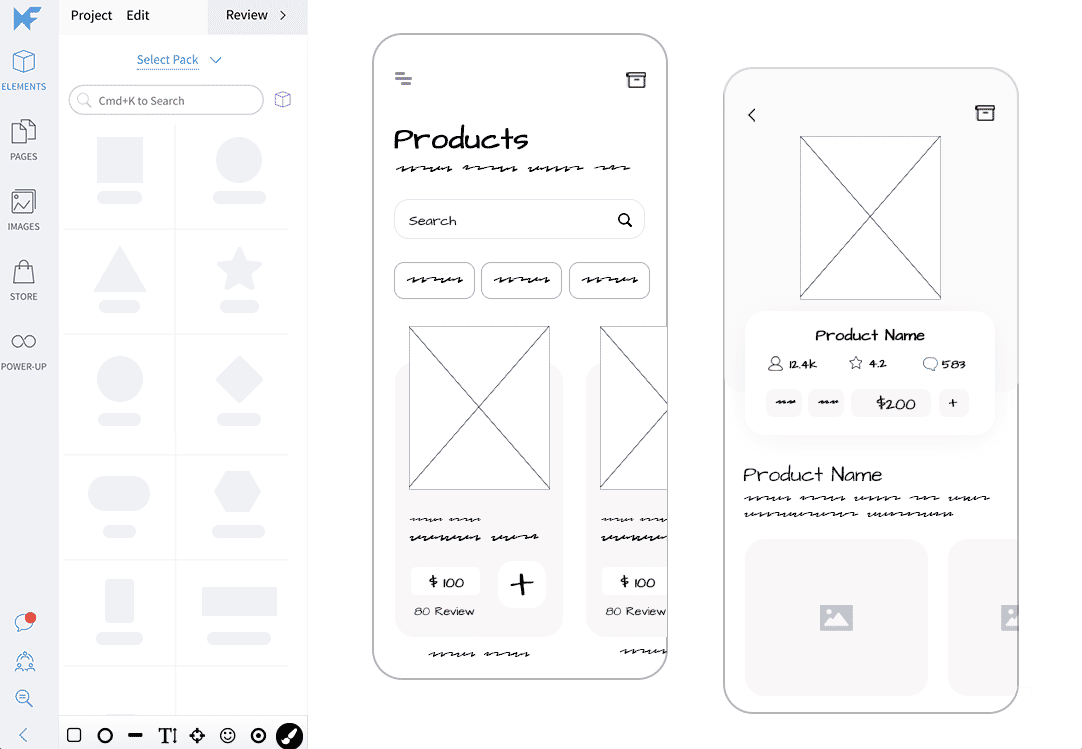
MockFlow allows you to collaboratively create user interfaces with real-time editing and a large library of components. The platform provides tools for wireframing and whiteboarding, with a component-rich editor that focuses on UI design for websites and applications.
The free Basic plan limits users to 1 project with 3 pages total, which suits very small tests or single proof-of-concept ideas. This restriction makes upgrades necessary for most practical design work.
Paid plans unlock unlimited projects and pages, team component libraries, advanced UI templates, business integrations with tools like Slack and Jira, and full offline access through desktop applications. Editor plans provide the complete feature set needed for professional collaborative UI design work.
Wirefy
Functional wireframes
Product Type: Browser-based app
Free Tier Limitations: None
Wirefy helps you build functional wireframes through a content-first approach. Unlike browser-based design tools, this open-source framework requires you to download the files from the GitHub repository and work with them locally in your browser. You edit HTML and CSS directly to create responsive wireframes.
The philosophy behind Wirefy focuses on content structure and development speed. You need basic HTML and CSS knowledge to create wireframes with this tool. The advantage of this approach is that once you settle on the wireframes, the journey to the final deliverable becomes faster. Your base UI structure and content exist in code, ready for you to add the visual layer without translation from a design tool.
As an open-source project available under the MIT license, Wirefy provides a foundation for developers who prefer to wireframe directly in code rather than use visual design applications.
Diagrams.net
Diagramming tool
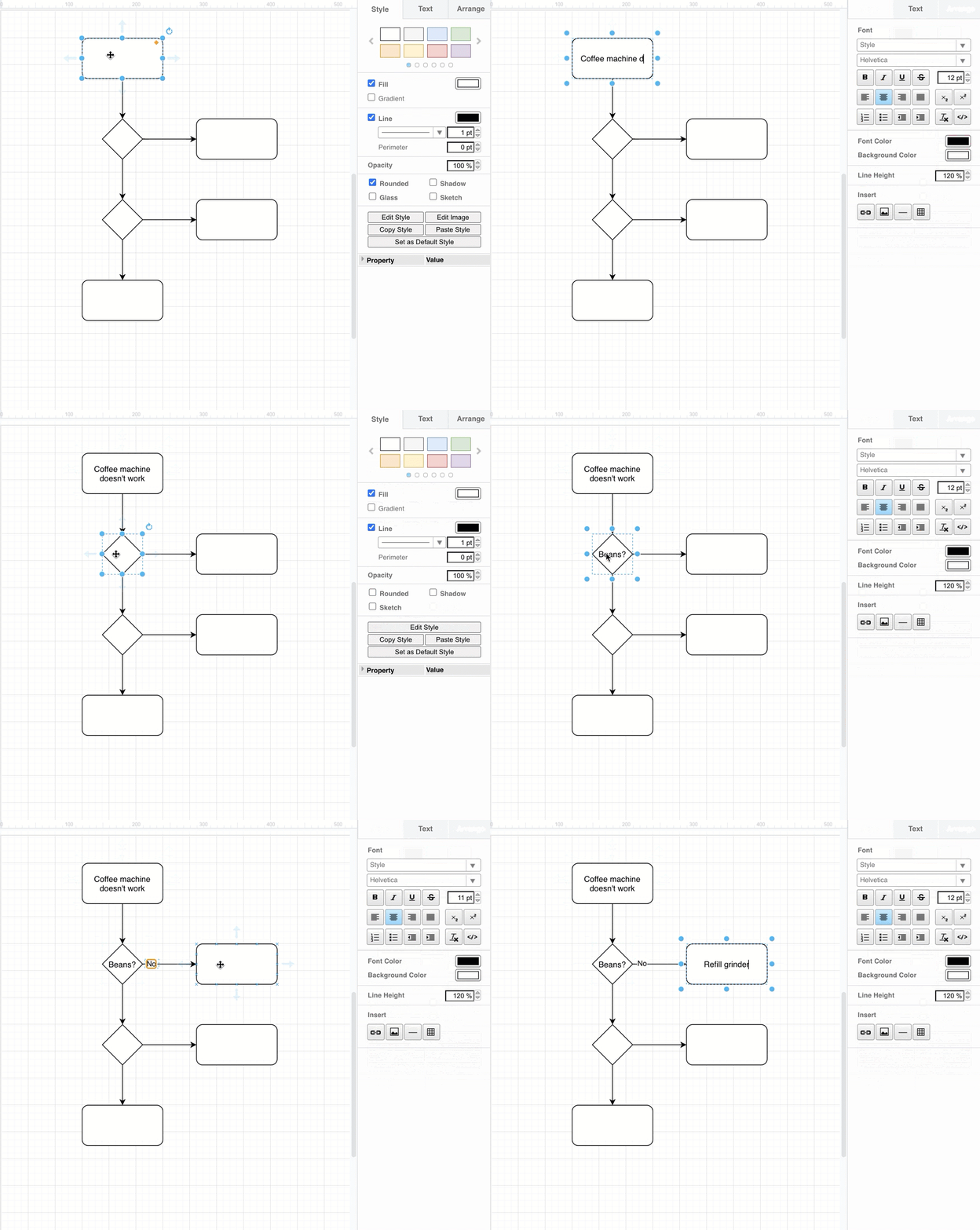
© Draw.io, Fair Use
Product Type: Browser-based app
Free Tier Limitations: None
Diagrams.net (previously Draw.io) is an open-source, browser-based diagramming application with a large library of shapes and templates for flowcharts, wireframes, UML diagrams, network diagrams, mind maps, and more. The tool requires no registration or login, you can start diagramming immediately without creating an account.
Diagrams.net prioritizes privacy and data ownership. The application does not store your data on its servers. Instead, data loads and saves directly between your browser and your chosen storage location, which gives you full control and ownership of your work.
You can save your files in XML format to your local device, or integrate directly with cloud storage services like Google Drive, Dropbox, OneDrive, GitHub, GitLab, and Trello. The application opens these files from the same locations later, which maintains seamless access across your workflow.
The tool remains completely free for all core features, with active open-source development and community support.
Whimsical
Diagramming and wireframing tool
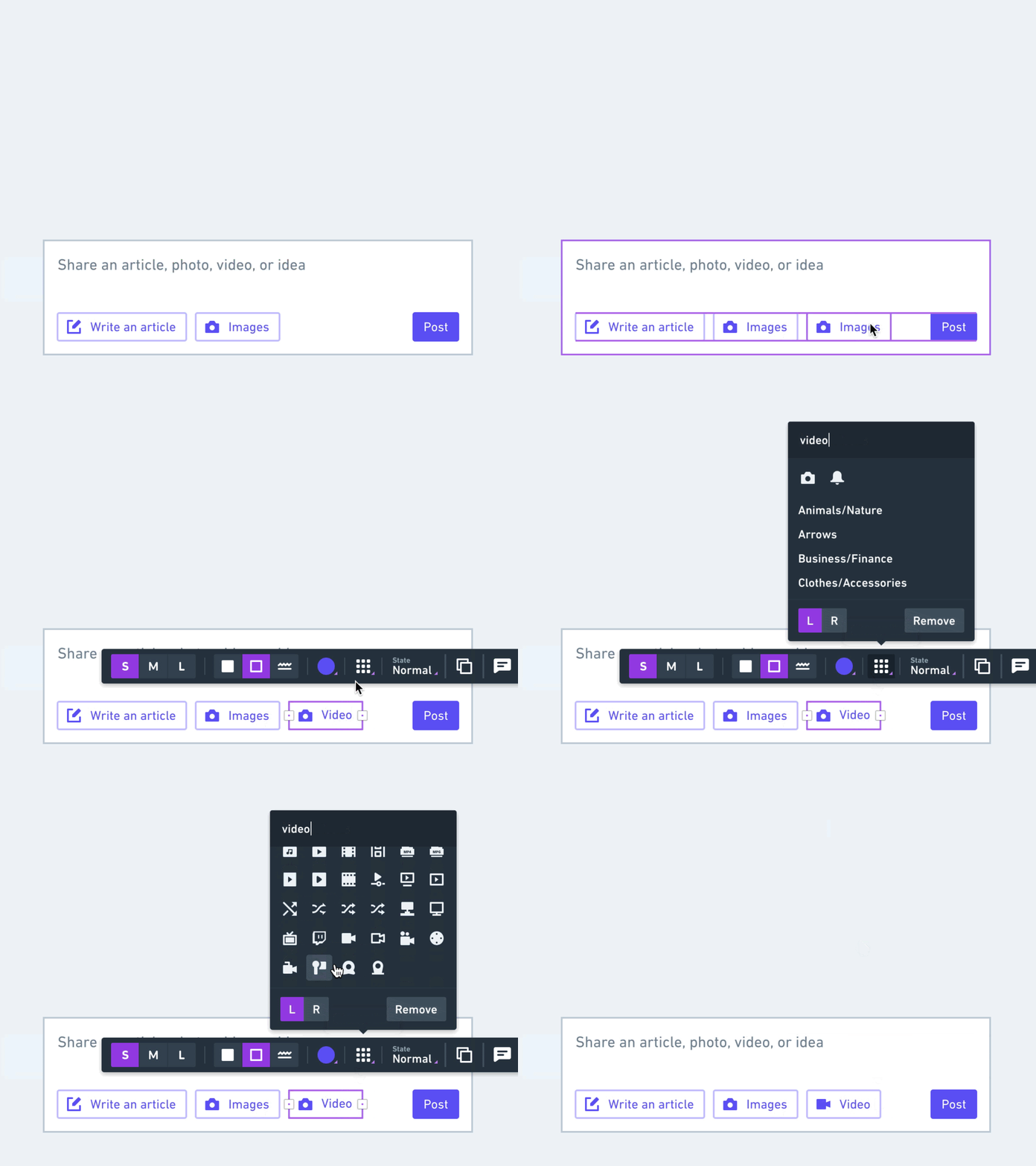
© Whimsical, Fair Use
Product Type: Browser-based app
Free Tier Limitations: 3 collaborative boards, limited AI actions
Whimsical is a browser-based collaborative brainstorming application with a clean, minimalist interface. The platform comes equipped with built-in components and an icon library that you can use to create wireframes. It also features AI-enabled tools for mind maps and brainstorming to help you generate ideas and overcome creative blocks.
The free version offers unlimited personal boards for solo work, which you can export to PDF format. You also get 3 collaborative boards for team projects with unlimited view-only guests who can view and comment on your work. This combination of features makes Whimsical suitable for small projects and personal use.
Paid plans unlock unlimited collaborative boards, expanded AI actions and prompts, and advanced features for professional team workflows.
Expand Your Toolkit: More Wireframing Resources
This list is by no means exhaustive. While we're certain at least one of the tools above will fit your requirements, here are a few more that you can explore:
Pencil Project is an open-source GUI application you can download and use offline. The standalone desktop app works on Windows, Mac, and Linux. You can download pre-built stencils and templates from the community to help you create quick wireframes for various platforms.
Mydraft.cc is an open-source wireframing tool that runs in your browser and does not require you to create an account. Your files live online through cloud storage, and you access them via unique shareable URLs. Save or bookmark these URLs to retrieve your projects later.
You may have noticed that some major names are missing from this list (Balsamiq, Axure, UXPin, Moqups, and Sketch, to name a few). This round-up focuses on wireframing tools with robust free tiers that provide substantial functionality without payment. These tools can benefit anyone, from solo designers testing ideas to teams collaborating on early-stage projects. If you prefer premium features or enterprise-level support, paid applications offer additional capabilities, and most provide trial periods so you can evaluate them before you commit to a subscription.
If you think there are any options we’ve missed, please let us know on Facebook, Instagram, or LinkedIn. We’d love to know what you’re using at the moment.
Images
Hero Image: Aurimas, CC BY-ND 2.0